
Home Workspace Budget Planner
Small home office budget planner
List what you already own, set a spending cap, and use the sample worksheet to budget for the whole setup.
Calculate your workspace budget
Enter your spending limit and the costs you expect to pay in US dollars. Leave a cost blank to count it as zero.
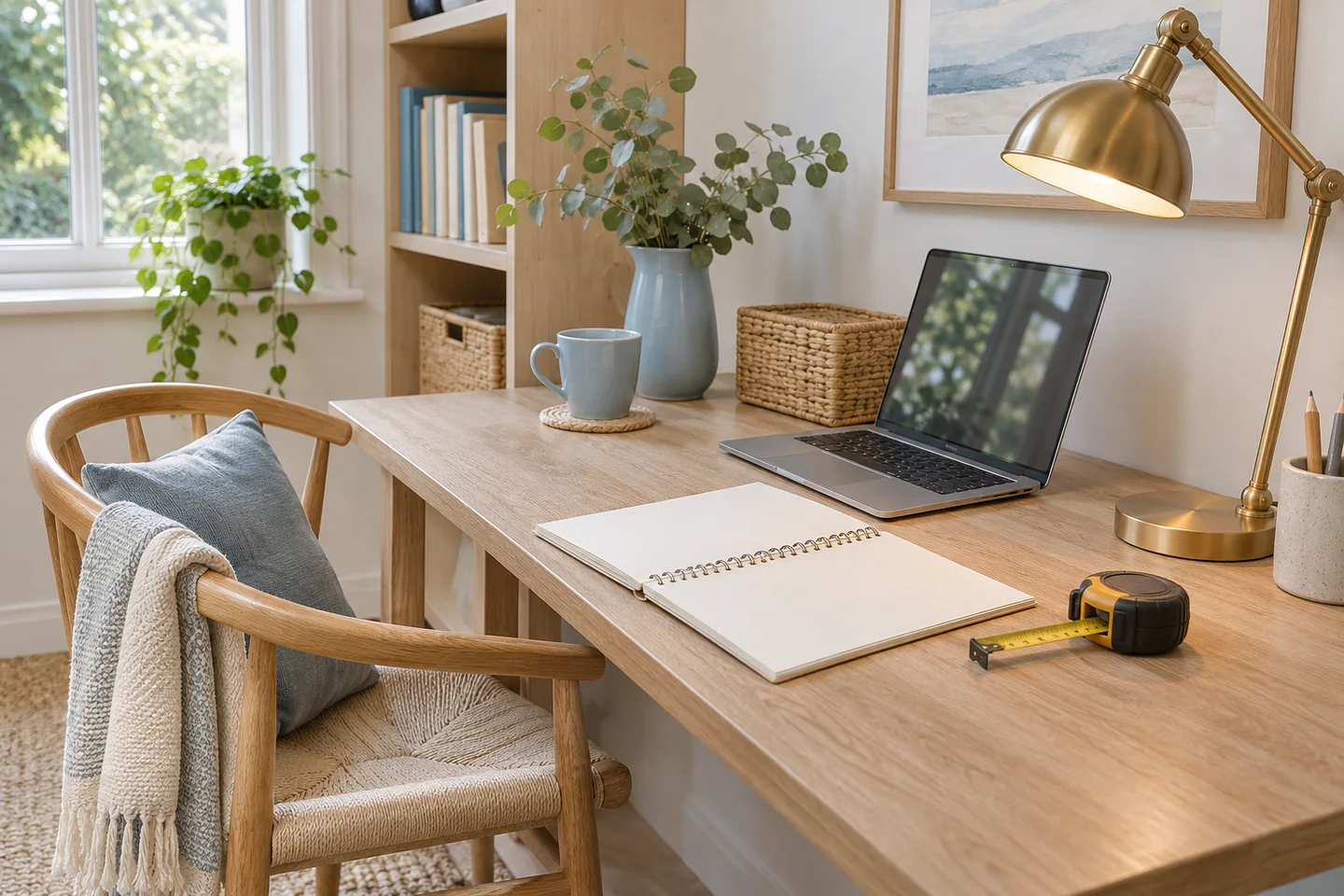
Compare budgets by room layout
Choose a layout that fits before spending. These are example allocations in US dollars. The calculator combines desk and chair in one field.
| Layout | Desk | Chair | Lighting | Extras | Total |
|---|---|---|---|---|---|
| One-wall desk A straight wall leaves a usable walkway. | $120 | $50 | $25 | $25 | $220Load example |
| Corner desk You need a separate surface for papers or supplies. | $165 | $65 | $35 | $35 | $300Load example |
| Fold-away desk The room needs its floor space back after work. | $90 | $40 | $20 | $30 | $180Load example |
| Two-person desk Two people use the room at the same time. | $160 | $100 | $35 | $25 | $320Load example |
| Bedroom desk Keep the route beside the bed and drawers clear. | $100 | $50 | $25 | $25 | $200Load example |
| Studio apartment The room changes use between work and evening. This example reuses an existing chair. | $80 | $0 | $25 | $15 | $120Load example |
| Living room The desk and chair share a route with the seating area. | $105 | $50 | $25 | $30 | $210Load example |
| Closet office The opening and door swing limit desk and chair depth. | $85 | $65 | $20 | $15 | $185Load example |
| Under-stairs office Put the chair where you can stand at the tall end. | $90 | $65 | $25 | $20 | $200Load example |
Reuse example: If you already have a suitable chair, load the one-wall plan and change Desk and chair from $170 to $120. With the other amounts unchanged, the estimate is $170 and $50 remains within the original $220 cap. Keep the difference available until you’ve checked delivery and any required fittings.
Separate essentials from upgrades
Keep your existing desk, chair or monitor if it already fits your measurements and daily tasks. Rank the gaps in order: usable surface, screen and controls, task light, then storage. The highest-priority gap is the one that stops you from working or studying comfortably in the current setup.
Calculate the full cost
Set a cap for each shortlist. Add the item price, delivery, required cables or brackets and any applicable taxes before comparing. If an item needs extras to work with your setup, compare that combined cost against a model that includes them.
See what each budget could cover
These examples show how to allocate your budget in USD. Check current prices and availability on the retailer’s page.
- Laptop accessories ($80) · $30 stand, $25 keyboard, $25 connectivity. Compare laptop accessories. Load example.
- Desk lighting ($65) · $45 main light, $10 bulb or adapter, $10 extras. Compare lighting options. Load example.
- Video call setup ($95) · $45 camera, $25 headset, $25 light. Read the small-desk video call guide and test what you already own. Load example.
- Study desk accessories ($75) · $25 light, $20 laptop stand, $20 book holder and $10 tray or extras. Read the guide. Load example.
- Compact keyboard ($60) · $50 keyboard and $10 cable, adapter or delivery. Read the guide. Load example.
- No-drill setup ($85) · $30 light, $35 storage cart, $10 tray and $10 ties or other extras. Read the guide. Load example.
Know when to stop spending
Try the setup for several work or study sessions before ordering optional storage or another accessory. Keep a short list of the problems that still happen. If a purchase would not solve one of them, leave it off the current plan.
Check the costs of possible upgrades
As an Amazon Associate I earn from qualifying purchases.
Use the listings to price only the gaps in your setup. Include any required bulb or accessories in the total.