
A small desk can work well for video calls if you can look toward the camera, light your face and keep the microphone close enough for clear speech. Set up the equipment you already have first, then make a short recording to see what needs changing.
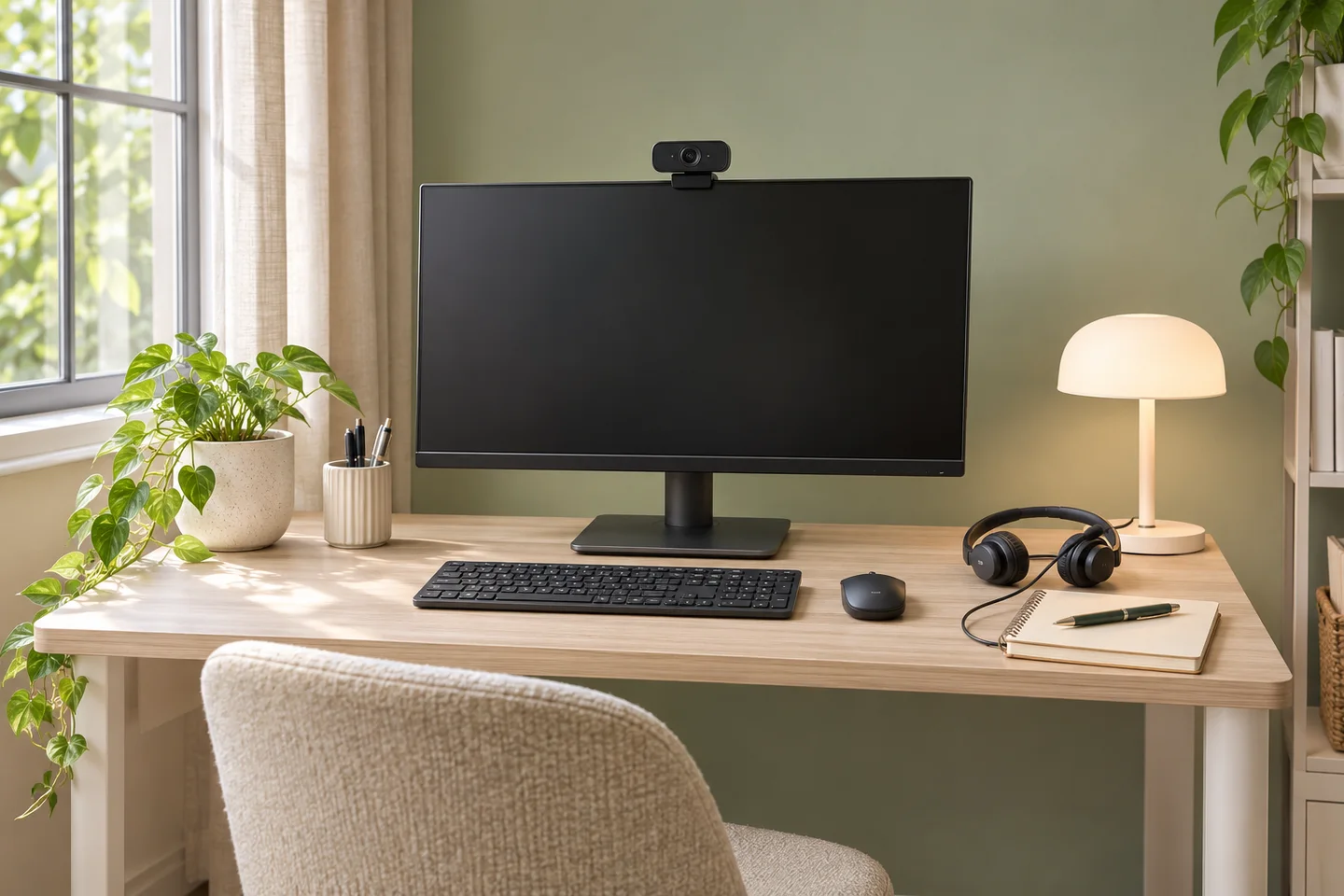
Position the camera where you look during a call
Start with the camera near eye level while seated. Keep the video window close to it so you can see the other person without turning toward a second screen. If you use a laptop camera, a stable stand can bring it higher. Test where the keyboard lands after raising the laptop. A separate keyboard may make more sense if you type through meetings.
Move the light before buying one
Start with a window or lamp in front of you and slightly to the side. A window directly behind you can leave your face dark in the preview. Shift the desk or close a sheer curtain, then check the image again. If you call after dark, try a shaded lamp and compare the preview with the lamp a little higher or farther to the side. If you wear glasses, move the light until it stops reflecting over your eyes.
Listen for the problem before changing the microphone
Record 20 seconds at your normal speaking volume, then listen with headphones. Type a few words while speaking to see how much keyboard noise comes through. If your voice sounds distant, test a wired headset or move the microphone closer without covering it. If there is a steady fan or street noise, change the seating position or the direction of the microphone and record again.
Choose one change based on the recording
- Camera angle is too low: try raising the laptop or clipping a camera above the screen. Check that a clip won’t obscure the top of a thin-bezel display.
- Face is too dark or reflection is distracting: move or soften the light first. If you need a dedicated light, measure the footprint and how far the cable needs to reach.
- Voice is unclear while other sounds are loud: compare a headset with a boom mic and check its connection against a port you can keep free.
For a $95 example budget, allow $45 for a camera, $25 for light and $25 for a headset. These are planning figures in US dollars. Load the $95 example in the budget calculator and remove any items that passed your test. See the lighting layout guide if the window or desk position is the main issue.
If another person works in the same room, test headset and microphone options for shared-office calls before changing your camera or lighting.
Compare video call accessories on Amazon US
As an Amazon Associate I earn from qualifying purchases.
Check the exact fit and connection on current listings.
- Clip-on webcams for slim monitors on Amazon US (paid link)
Check clip depth and whether the camera plug matches an available port. - Compact dimmable lights with a diffuser on Amazon US (paid link)
Check the base or clamp dimensions and whether it can aim from the side. - Wired headsets with a boom mic on Amazon US (paid link)
Match the connector to your computer and check cable reach. - Low desktop stands for laptop calls on Amazon US (paid link)
Compare the footprint and working height before choosing a stand.