
Home Organization & Lighting
Organization & Lighting
Desk organization and task lighting
Make space for the items you use daily. Put the light where you read and keep plugs easy to reach.
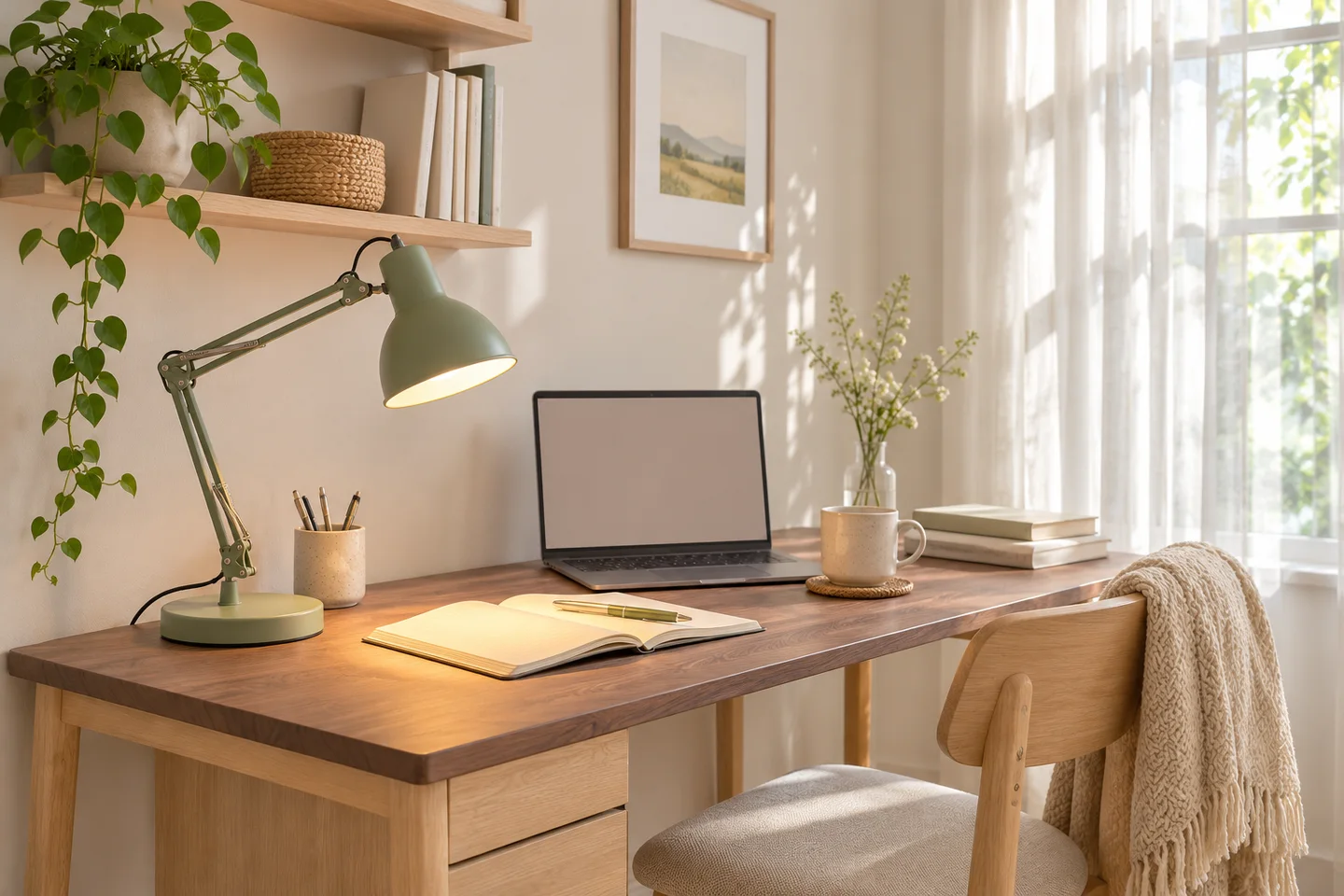
Find the right fix for your desk
Glare or dim task lighting
Start by moving the light or changing the screen angle. Use the same seat and time of day when you test.
A crowded desk or tangled cords
Clear the writing area, then measure the remaining corner, drawer or rear edge for the items you use.
A room that needs to change after work
Choose storage and lighting you can move easily. Test where they will go when you clear the desk.
Keep the middle of the desk clear
Put everyday items within reach and store occasional supplies off the desktop. Measure drawer depth and clearance before ordering organizers, and check whether under-desk trays leave enough space for your knees.
Give cables room to move
Group cables by where they go and secure the ones that stay in place with reusable ties. Leave slack where a screen rotates, a drawer opens, or a sit-stand desk moves. Keep power bricks and connectors accessible.
Read the small-desk storage and cable management guide for a placement sketch, measurements and organizer comparisons.
Position a task light for your work
Choose a lamp with an adjustable head if you switch between a screen and paper. Set the lamp on the opposite side of your writing hand to reduce shadows, then angle it away from the screen to reduce glare. Check the clamp dimensions if you need to save desktop space.
Set up your lighting around the window and your work
Notice where daylight enters when you actually sit down to work. Then decide which spot needs extra light: the notebook, the keyboard, or the wall around the screen.
Daytime work near a window
Try putting the window to one side of the screen. If your desk can’t move, angle the screen slightly or adjust a blind until the bright patch disappears. Daylight can light your desk for free, but its direction and intensity change, so check at the hour you work.
Reading, writing, or drawing after dark
Use a shaded lamp with an adjustable head. Aim it across the paper from the side opposite your writing hand. On a 40 × 20 inch desk, measure the space available for the entire base with your notebook open. If a clamp suits the space better, measure edge thickness and clearance beneath it, including any frame or lip. A weighted base is easier to move, while a clamp frees up the writing surface.
Mostly screen work on a crowded desk
Start with diffuse room lighting. Add a dimmable monitor bar if you need light on the keyboard and the bar fits the screen. Check monitor thickness and curvature, space around the webcam and where the USB cable will reach. A monitor bar frees up desk space, while an adjustable desk lamp is easier to aim at paper off to one side.
Check for reflections before spending
- From your normal seat, briefly turn the screen off so bright reflections are easier to spot.
- Adjust one light or blind at a time. Turn the screen back on and confirm the image is easy to see.
- Write a line in your notebook. If your hand casts a shadow over the line, try the other side of the desk or change the lamp angle.
For a $65 sample lighting budget, set aside $45 for one light, $10 for a bulb or adapter if needed and $10 for tax or shipping. These are planning allowances in US dollars. For the rest of your setup, use the workspace budget calculator.
See OSHA’s workstation guidance on lighting and glare for more on window placement and diffuse light.
Quick checks before shopping
| Problem | Try this first |
|---|---|
| Screen glare | Move the lamp out of the screen’s reflection and aim it at the working surface. |
| Cables cross your writing area | Group cables near the back edge with removable ties, leaving enough slack for movement. |
| No space for a lamp base | Check an existing shelf or confirm a clamp will fit the desk edge. |
| Supplies take over the desk | Put daily items in one shallow tray and store occasional items nearby. |
Task lighting on Amazon US
As an Amazon Associate I earn from qualifying purchases.
Choose a movable lamp for notebooks or a monitor light when the desktop is already crowded.
Compare a desk lamp with a monitor light bar
Browse lighting options
Use these searches to compare current prices, dimensions and mounting options on Amazon US.
- Adjustable desk lamps for reading and writing (paid link)
- Clamp-on task lights for narrow desks (paid link)
- Dimmable USB monitor light bars (paid link)