
Start with the largest open notebook or textbook you use. A compact desk works better when you reserve space for the work you do most and give the laptop, books and stationery a repeatable place to go.
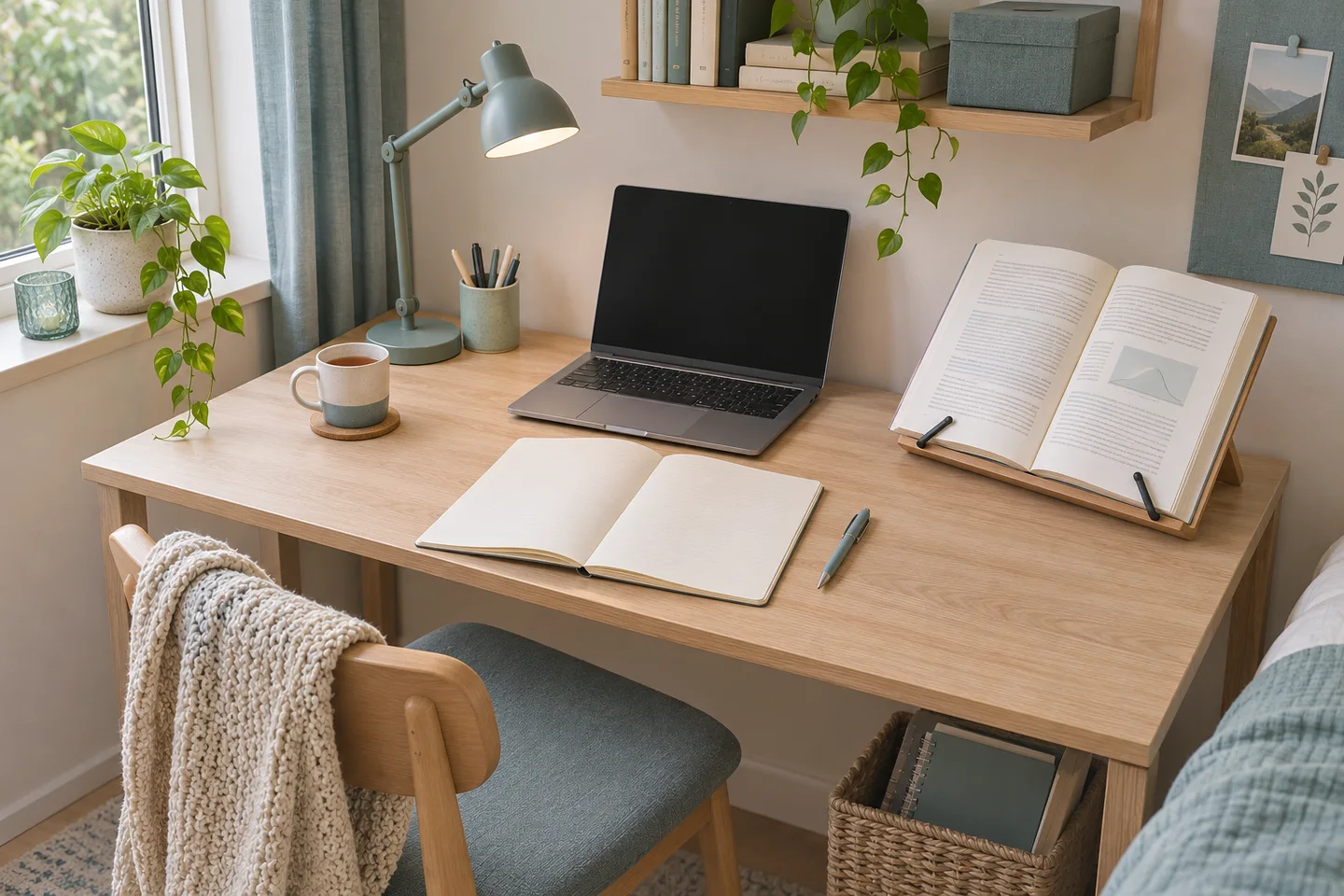
Tape out a writing area before choosing a desk
Try a 38 × 20-inch desktop as a planning example. Mark a 24-inch-wide writing zone beside a 14-inch-wide reference zone, then put down your actual notebook, laptop and book. Check the depth with the laptop lid open and the power cable plugged in. If the laptop or book spills over, move one item behind the notebook, or switch the surface between reading and typing instead of using both at once.
Choose the layout for your usual study session
| How you study | Start with | Check before buying |
|---|---|---|
| Handwritten notes from a screen | Notebook in front, laptop angled on the side. | Read a full page and check the charger route and space for your writing hand. |
| Handwritten notes from a textbook | Open notebook in front, book on a stable holder. | Turn several pages to make sure the holder stays stable and the open book does not reach into the writing area. |
| Switching between typing and writing | One central work area and a separate spot to park whichever item you are done using. | Do a two-minute changeover and check that the spare spot does not block the charger, drawer or walkway. |
Test the light and keep supplies at the edges
Put the lamp on the side opposite your writing hand and aim it so the notebook is lit without reflecting on the laptop screen. If you keep turning your wrist or moving the page around a shadow, move the lamp and try the same line again. Keep frequently used pens in a shallow tray outside the writing area and move spare books off the desktop. See the lighting layout guide and the organizing guide for more options.
Budget only for what fixes the layout
For an illustrative $75 accessories budget, allocate $25 for light, $20 for a book holder, $20 for a laptop stand and $10 for a tray or extras. Reuse pieces that pass the tape test. If you need a new desktop, use the desk size and cost comparison before buying one.
Load the $75 example in the budget calculator and adjust the amounts for the items you already own.
If you switch between a laptop and handwritten notes, compare a task lamp with a monitor light bar to see which leaves room to write.
Compare small study desk accessories on Amazon US
As an Amazon Associate I earn from qualifying purchases.
Use the dimensions you tested to compare current listings and prices.
- Compact book stands on Amazon US (paid link)
Check its base depth and capacity with the thickest book you use. - Slim laptop stands for small study desks on Amazon US (paid link)
Measure the footprint with the laptop open and the charging cable attached. - Shaded adjustable study lamps on Amazon US (paid link)
Compare base size, reach and whether the beam can aim across the page. - Shallow trays for study supplies on Amazon US (paid link)
Measure the usable corner and the inside length for your daily items.