
A printer can fit neatly on a shelf and still be awkward to use once the paper tray is open. Before buying a cart, shelf or new printer, measure the space the machine takes up during your usual printing and scanning tasks. If you already own a printer, use that model to test the setup first.
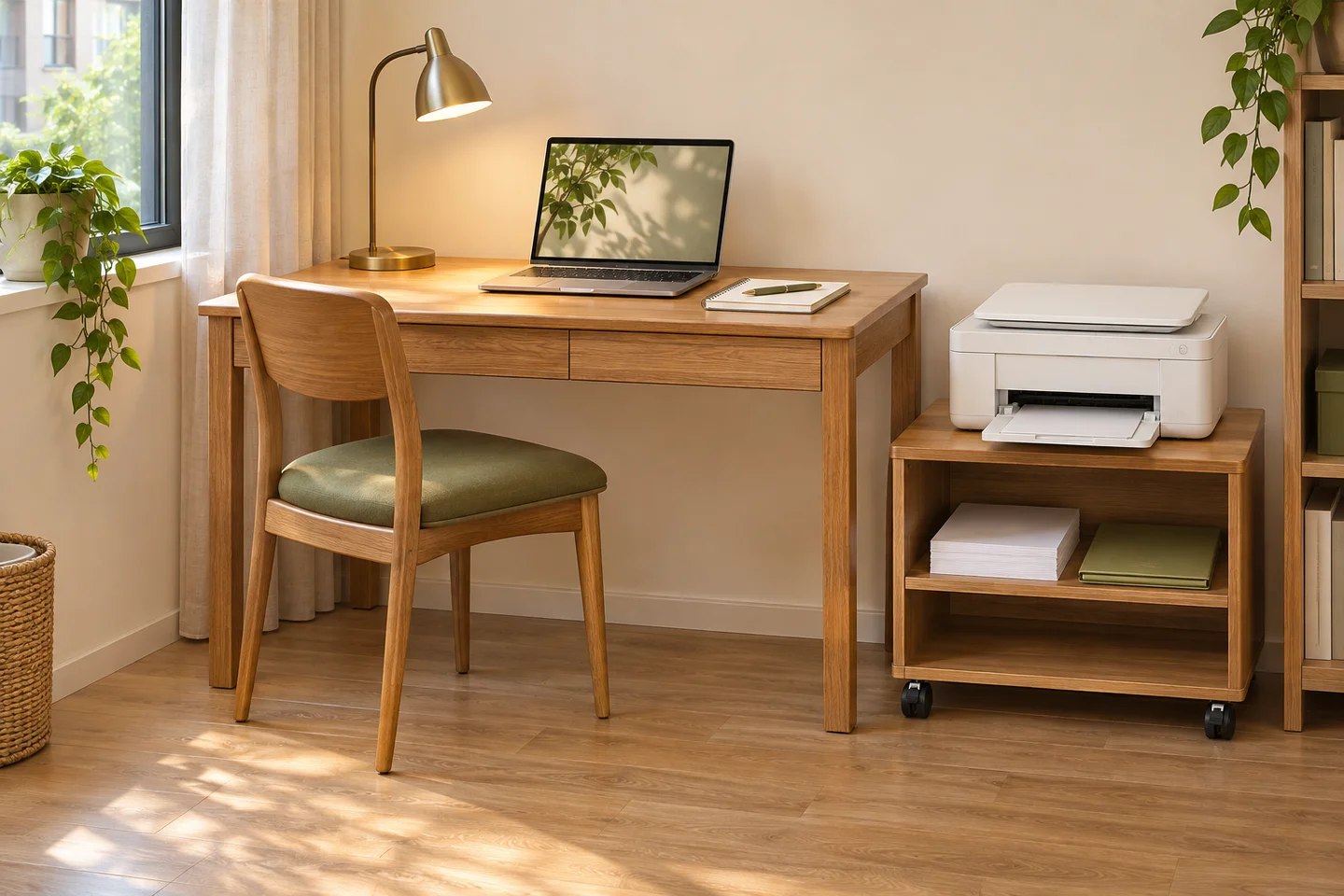
Compare three places to put the printer
| Placement | Best for | Trade-off |
|---|---|---|
| On the desktop | Frequent printing or scanning from the same chair | The printer occupies work surface even when it isn’t in use. |
| On a low rolling cart | Occasional use or an office you share with another activity | Check space for the wheels and the open tray. Lock the casters before loading paper or scanning. |
| On a fixed, open shelf | A permanent station with paper and supplies close by | Check whether a shelf overhead limits the scanner lid or makes the back of the printer hard to reach. |
Measure the printer in use
- Width. Measure the printer feet or base and keep the full unit supported. Check where any side access panel opens.
- Depth. Measure with the input and output trays extended. Check whether the paper stands up behind the unit or sticks out at the front. Leave room for plugs without bending the cables against the wall.
- Height. Open the scanner lid to the position you need for a full page. If you scan books or load pages through a top feeder, test that motion too. Consult the manual for placement and service access around your specific printer.
A printer body 16 inches wide and 13 inches deep has 4 inches of spare cart width. With 2 inches reserved behind it for connections, 3 inches remain in front. If its output tray extends 5 inches from the front, it sticks 2 inches beyond the cart during printing. Keep that extra space clear and check whether you can collect a page without blocking the walkway.
Test one print, one scan and one paper refill
Use an existing flat, sturdy surface for a trial. Print a page and collect it from your usual position. Open the scanner and place a sheet against the alignment mark. Refill the paper, then check whether you could reach the maintenance panel in the new spot. If a cart only works when you pull it out, find a place where it can sit during use and reach its connection without a cord crossing the walking route.
Keep clean paper flat on a shelf and give incoming documents a separate tray. If the area feels crowded after the trial, move the paper supplies first and see whether that frees enough room to use furniture you already own. For routing cords and storing accessories, see the small-desk storage and cable management guide.
Plan around the printer you already have
For example, allow $55 for a cart, $15 for a document tray and $10 for cable clips. The $80 total is a planning allowance in US dollars and assumes you already own the printer. If an existing shelf passes the fit test, start with that and add a tray only if loose paperwork becomes a problem. Product prices, shipping and taxes vary.
Once the printer fits, set up a place for incoming and active paperwork so printed pages don’t pile up on the tray.
Compare printer station options on Amazon US
Affiliate disclosure: As an Amazon Associate I earn from qualifying purchases.
- Compare rolling printer carts with locking casters. Check the usable top dimensions and the width between the wheels.
- Compare freestanding printer shelves. Check the top shelf load limit and whether you can reach the rear without shifting the stand.
- Compare document trays. Check the inner dimensions against the paper size you use.
- Compare compact all-in-one printers. Check the manufacturer’s diagrams for the feeding direction and open dimensions.