
A corner desk works well when the short side gives you room for a notebook or printer without blocking the chair or door. Decide which surface you will face while working, then test both sides of the layout before buying.
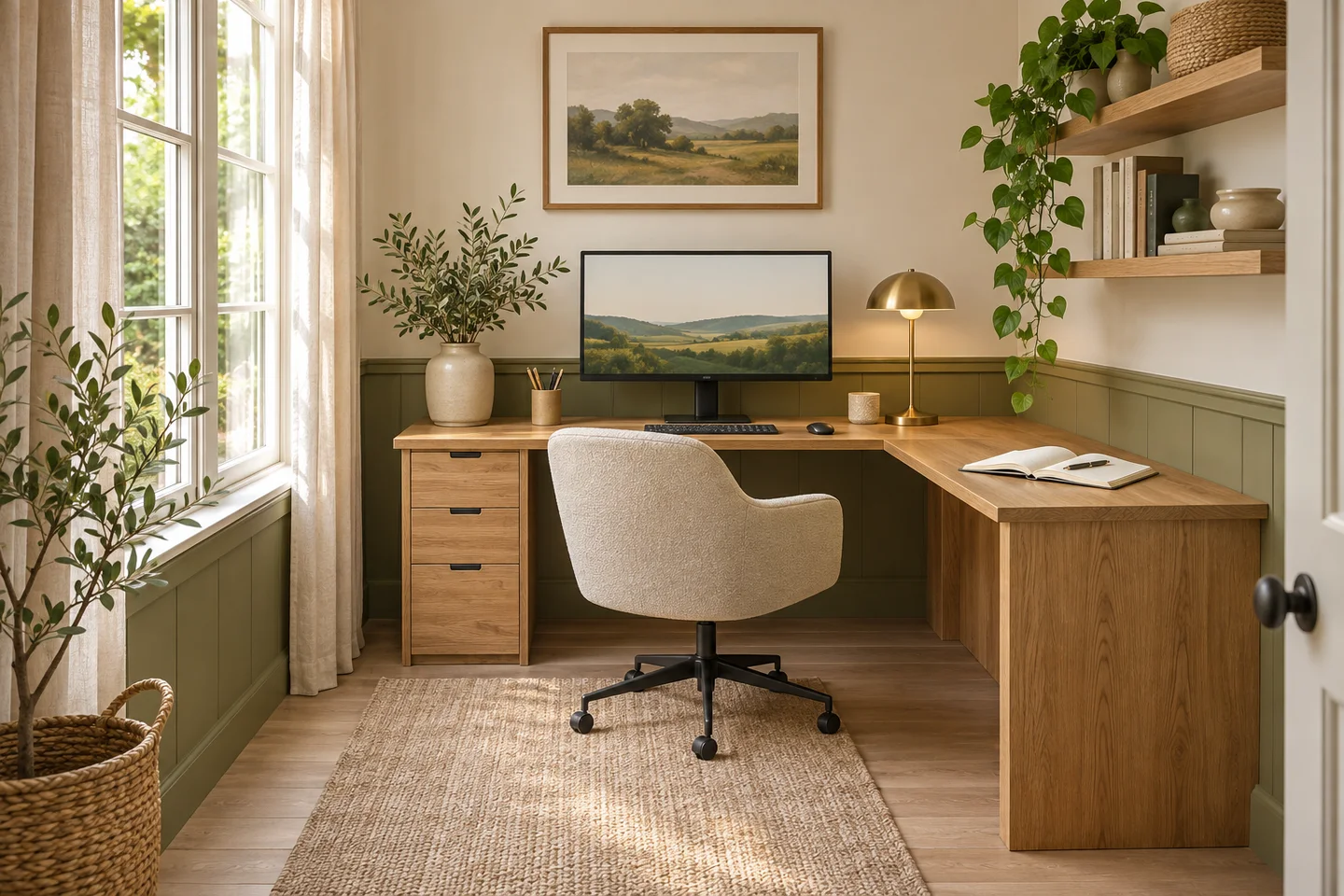
Measure both walls and tape out the chair position
- Start at the floor. Measure from the corners of the baseboards to the nearest door trim, cabinet or radiator on each wall. Note outlets and vents so that you can still reach or use them after setup.
- Mark the main surface and the short side. Try a 48 × 24-inch main surface and a 30 × 16-inch return as planning examples. The return is the short work surface that meets the main desktop at a right angle. Draw the assembled outline from the listing, including where the surfaces meet. Adding their lengths together can double-count the shared corner.
- Test the room from the chair. Sit down, pull back to stand and walk to the door. Open nearby drawers and doors fully. Repeat the test with the return taped out on the other side. Note the narrowest point behind the chair in each layout.
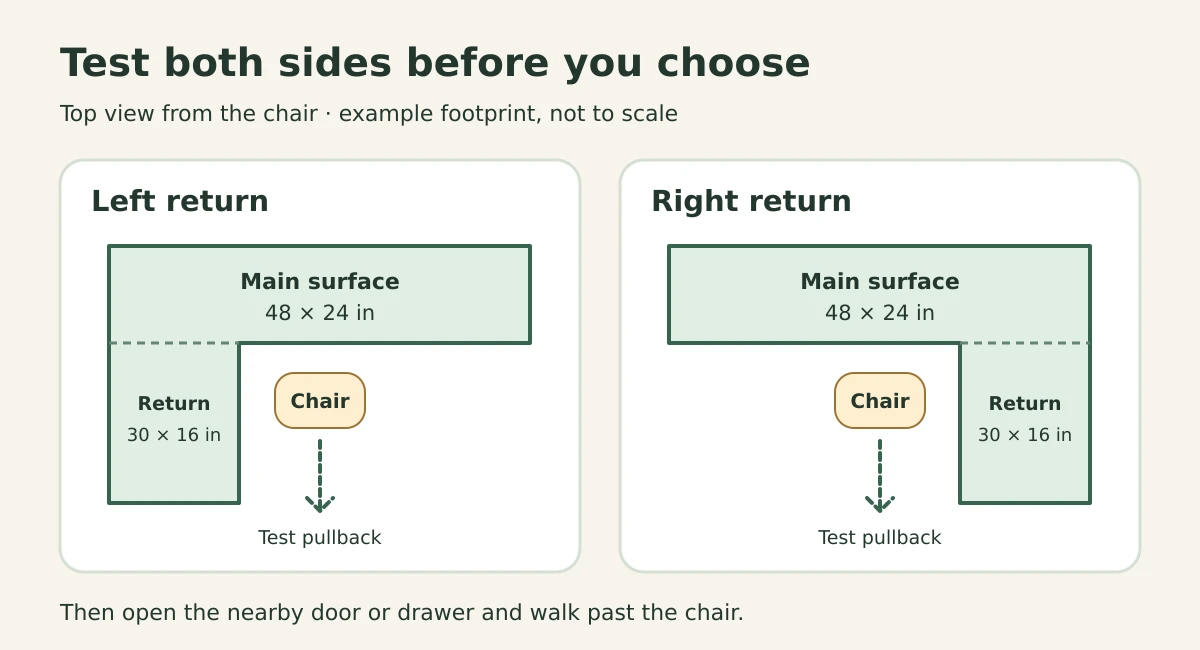
Decide which side should hold the return
Choose the side that keeps the route open. If a closet opens toward the right side of the desk, start by testing the return on the left. If the two layouts leave similar clearance, put the return where you can reach paperwork or a charger without turning away from the main screen.
Compare fixed, reversible and separate surfaces. A fixed return suits a layout you’ve already tested. A reversible desk gives you options if you move the setup later, but check whether changing sides requires disassembly. A compact desk with a separate side table lets you adjust each footprint. Compare heights and check for a gap that could catch papers or cables.
Arrange the screen and everyday tools
Put the primary screen in front of your normal seat on the main surface. Use the return for a notebook, lamp or supplies you can reach without crossing the keyboard. Before fitting a monitor arm or cable tray, check for crossbars or a frame beneath the edge. Keep cables clear of the chair route and give plugs enough room at the wall.
Check screen depth with the monitor setup guide and use the cable management guide to plan where the leads will run.
Budget for the corner as a whole
For an illustrative $300 setup budget, allow $165 for the desk and return, $65 for seating, $35 for lighting and $35 for delivery or extras. These are planning allocations in US dollars. Use the budget calculator with this $300 example to adjust the amounts after reusing any items you already have. If you want to try the layout before ordering, use the overhead corner plan.
If the return projects into the walkway, try a desk along one wall and measure how far the chair pulls back.
Compare corner desks on Amazon US
As an Amazon Associate I earn from qualifying purchases.
Use your taped dimensions to compare the current prices, return position and floor space of available options.
- Compact reversible L-shaped desks on Amazon US (paid link)
Check whether the return can be fitted on either side and how much total wall length it uses. - Fixed left-return corner desks on Amazon US (paid link)
Confirm the assembled layout in the seller’s diagram. Left and right can be described from different viewpoints. - Fixed right-return corner desks on Amazon US (paid link)
Check the actual return depth and see whether the legs interfere with your chair. - Slim side tables for modular corner setups on Amazon US (paid link)
Compare height, depth and stability when the two pieces stand next to each other. - Compact under-desk cable trays on Amazon US (paid link)
Measure the clamp point and clearance under the main desk edge before ordering.