
A standing desk can fit a small room and still be the wrong height when you sit down. Check the range you need first, then measure how much space the feet, chair and moving desk will use. The aim is to be able to change position without moving half the room each time.
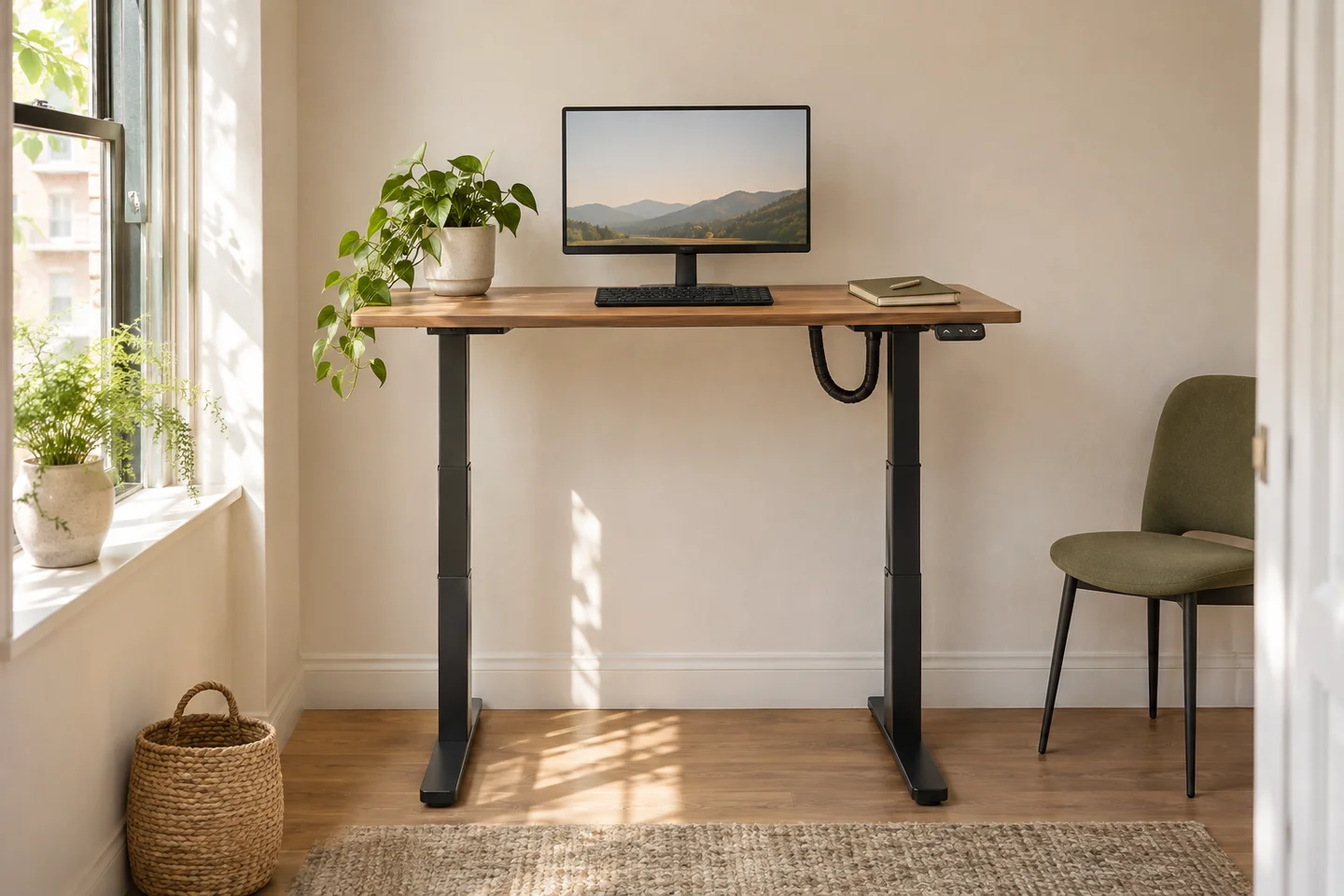
Measure your typing height sitting and standing
Use the chair and footwear you normally work in. With your shoulders relaxed and forearms roughly level, have someone measure from the floor to your typing hand position. Repeat standing. Compare those readings with the height of the keys. The keyboard and any separate tray sit above or below the desktop, depending on the setup. See the Canadian Centre for Occupational Health and Safety workstation guidance.
If the key tops are about an inch above the desktop, aim for a surface around 26 inches while sitting and 41 inches while standing. A desk that ranges from 28 to 46 inches includes the standing target but misses the seated one. These numbers are an example. Use your own measurements and check whether the seller quotes the height of the frame or the finished desk.
Compare three ways to change working height
| Option | Where it works | What to check |
|---|---|---|
| Compact electric desk | You switch positions regularly and have room for a new desk. | Check the full height range, foot depth, rated load and reachable outlet. |
| Manual crank desk | You want the full surface to move and can comfortably reach the crank. | Check the clearance for the handle, especially beside a wall or cabinet. |
| Desktop converter | Your existing desk works and you mainly need to raise your keyboard and screen. | The converter takes up depth and may make the keyboard too high while seated, even at its lowest setting. |
Check the floor, the space above, and the cable route
- On the floor: Tape out the desk top and mark the feet separately. Pull your chair out, move to the standing spot, and walk past the setup. Try the nearby door or drawers in both positions.
- Above and below: Mark the highest setting and include the height of the monitor or arm above it. Compare with any shelf or window ledge. At the lowest setting, check clearance over the chair arms and under-desk storage.
- For cables: Check the supply lead and any cables running from the moving desktop to fixed equipment. Route them where they can follow the full movement without catching, dragging on the floor or pulling at a plug. See the small-desk cable guide for more layout ideas.
If you plan to reuse a monitor arm, compare the total weight of your equipment with the desk’s rated capacity and check compatibility with the actual desktop material. Use the monitor arm fit guide to measure the clamp and the space behind the desk.
Plan a budget after the measurements
For a laptop-first electric setup, an example $235 planning allowance sets aside $220 for a compact desk and $15 for cable organization. It assumes you already own a suitable chair and computer. If your current desk has enough space for a converter, compare that option before replacing the desk. Check current prices, taxes and shipping separately.
Compare adjustable desk options on Amazon US
Affiliate disclosure: As an Amazon Associate I earn from qualifying purchases.
- Compare compact electric standing desks. Compare the full desktop height range, foot depth and the rated load.
- Compare manual crank standing desks. Check whether the crank needs space outside the desk when you turn it.
- Compare desktop standing desk converters. Measure the entire base and the keyboard tray height at its lowest setting.