
If your monitor sits too low but its base fits, a riser may be enough. If the base takes up your writing space or you often move the screen, consider an arm. The desk itself can decide which option fits.
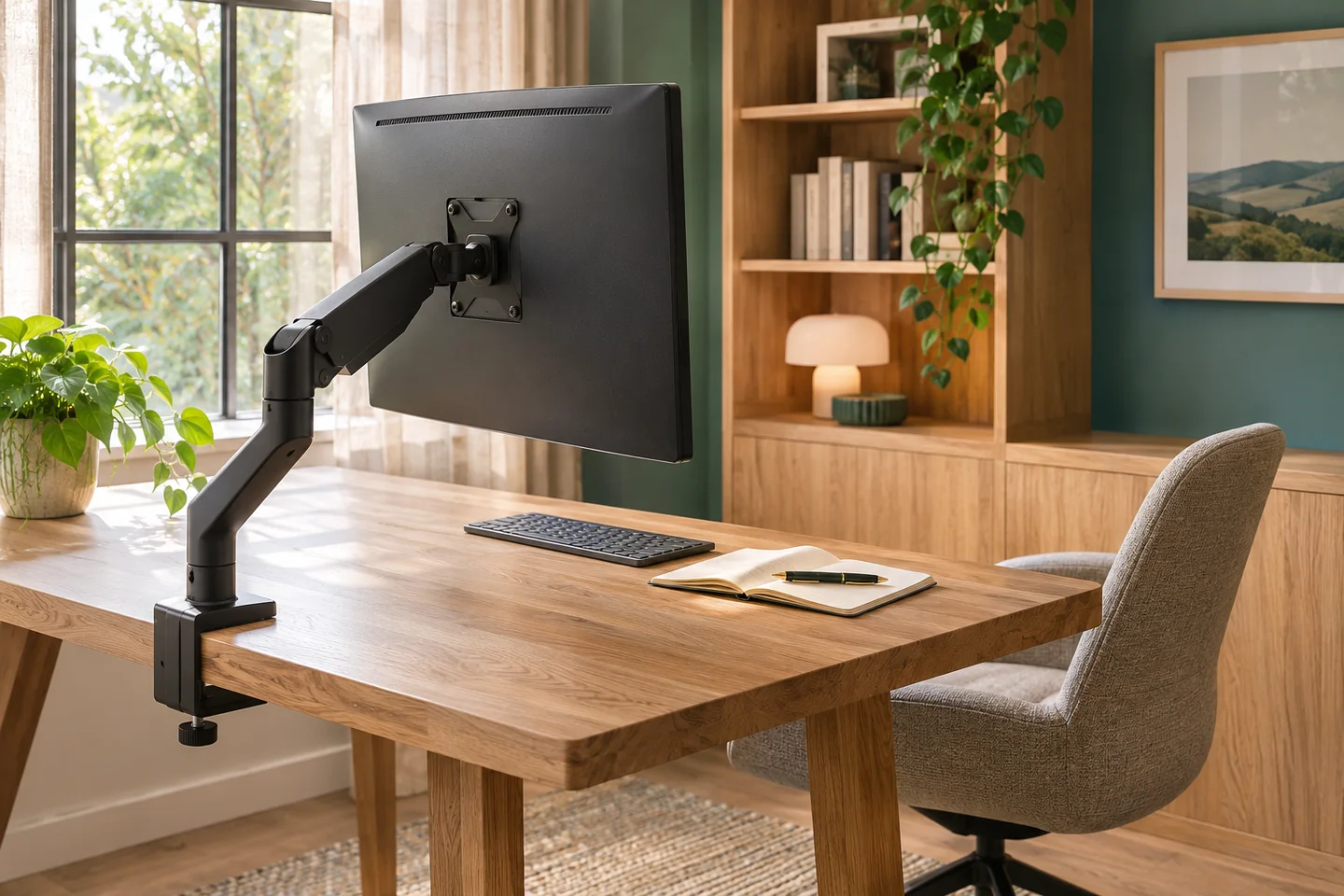
Compare what each option changes
| Option | Useful when | Measure first |
|---|---|---|
| Original stand | The screen height and footprint already work. | Base depth and distance to the screen. |
| Desktop riser | You need a small lift or want space to slide a keyboard underneath. | Platform width and depth, total lift, and rated load. |
| Clamp arm | You need the work surface back or want to move the screen. | Monitor compatibility, desk edge, and arm travel. |
Measure the desk edge for a clamp arm
- Find the mounting pattern. Check the monitor manual for its VESA mounting hole spacing and any required adapter. Use the monitor’s weight without its original stand, and include any hardware or accessories the arm will carry as directed by its manufacturer.
- Check the exact clamp point. Measure the desktop thickness there. Look under the desk for a rail, drawer, bevel or cable tray that would stop the clamp from seating properly. Confirm the desk material and mounting location meet the desk and arm manufacturers’ instructions.
- Check the space behind the desk. Use the arm’s installation diagram to see where it folds and how far it can travel. Leave room for plugs and cable movement. On some setups the monitor can move toward you even when the base frees up the desk.
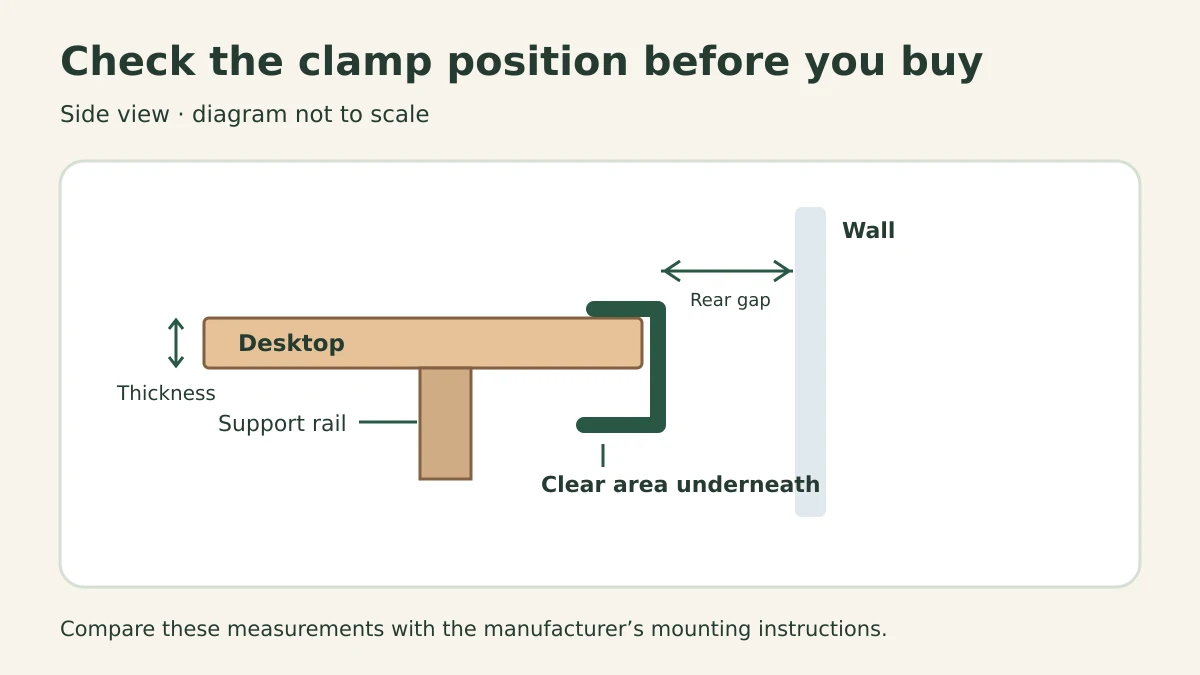
Use the specifications for the exact model you’re considering. For an example of where to find these details, see Ergotron’s LX monitor arm specifications.
Download the free room measurement worksheet (PDF). Record the desktop depth and the space behind the desk before comparing mounts.
Test a riser against the full monitor base
Trace the complete stand on paper, including feet that angle outward. Compare the trace with the riser’s usable top surface so every foot is supported. Add the proposed lift to the screen height and check the position from your usual seat. If you want to stow a keyboard beneath the riser, measure the clear opening between its legs and under its top panel.
Price the complete change
For an illustrative $60 upgrade budget, set aside up to $45 for either an arm or riser and $15 for any eligible hardware, delivery or tax. Check total cost and support for the exact equipment before ordering. If the original stand works after rearranging the desk, you can remove this line from the budget calculator.
Use the monitor guide for screen size and viewing distance, and the cable guide to clear space under the rear edge.
Compare monitor arms and risers on Amazon US
As an Amazon Associate I earn from qualifying purchases.
Use the measurements above to compare current options.
- Single-monitor clamp arms on Amazon US (paid link)
Match the monitor’s weight and hole pattern to the exact arm. - Low-profile monitor arms on Amazon US (paid link)
Check the arm’s folded position and room behind the desk. - Low monitor risers on Amazon US (paid link)
Compare lift height and the usable area on top. - Monitor risers with keyboard storage on Amazon US (paid link)
Measure the opening underneath and confirm the entire monitor base fits above.