
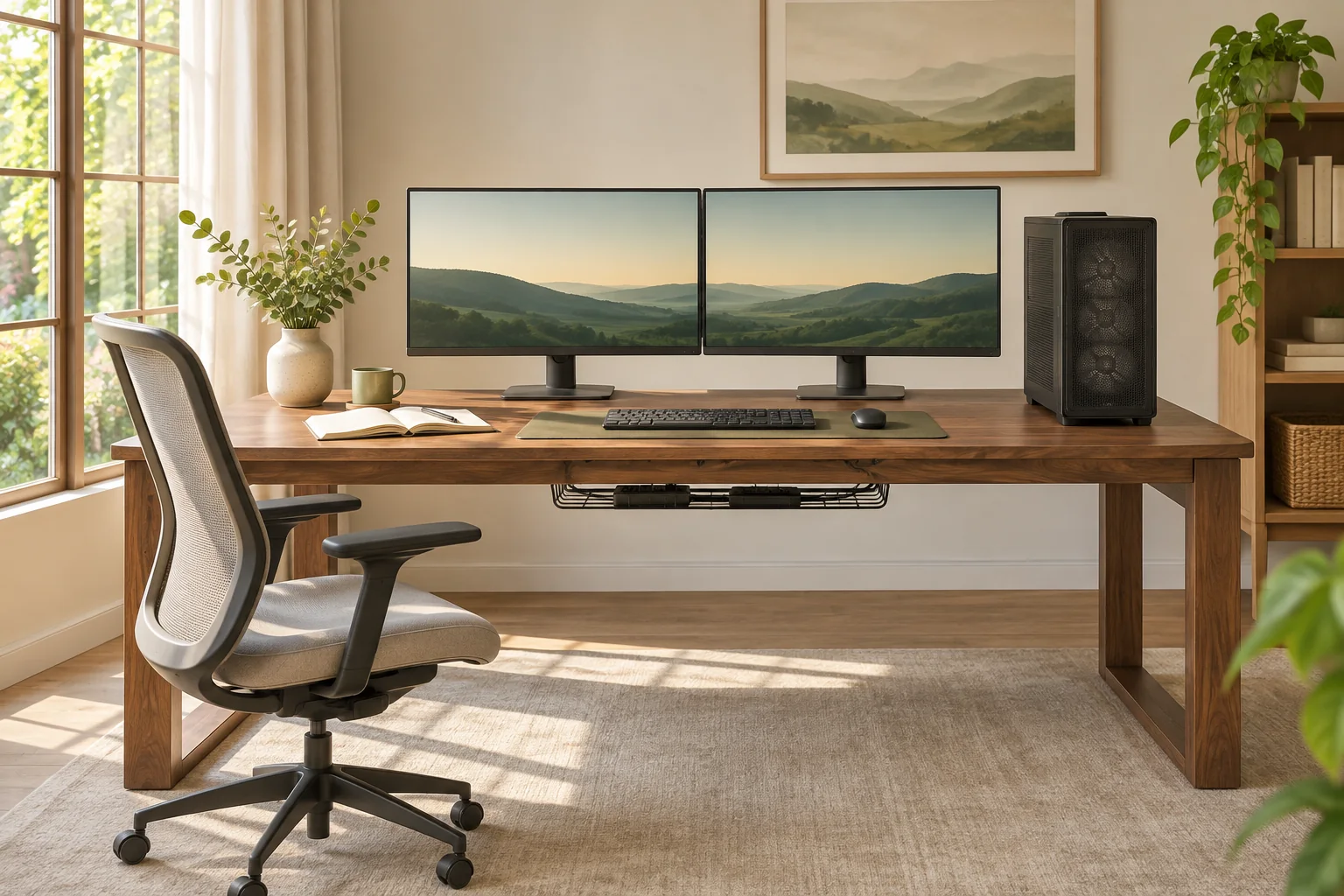
Use a 66-inch-wide, 30-inch-deep desk as a planning example for two monitors, a keyboard, and an open notebook. Measure your screen bases and writing space before you buy.
See equipment and furniture on Amazon US
How wide should a desk be for two monitors?
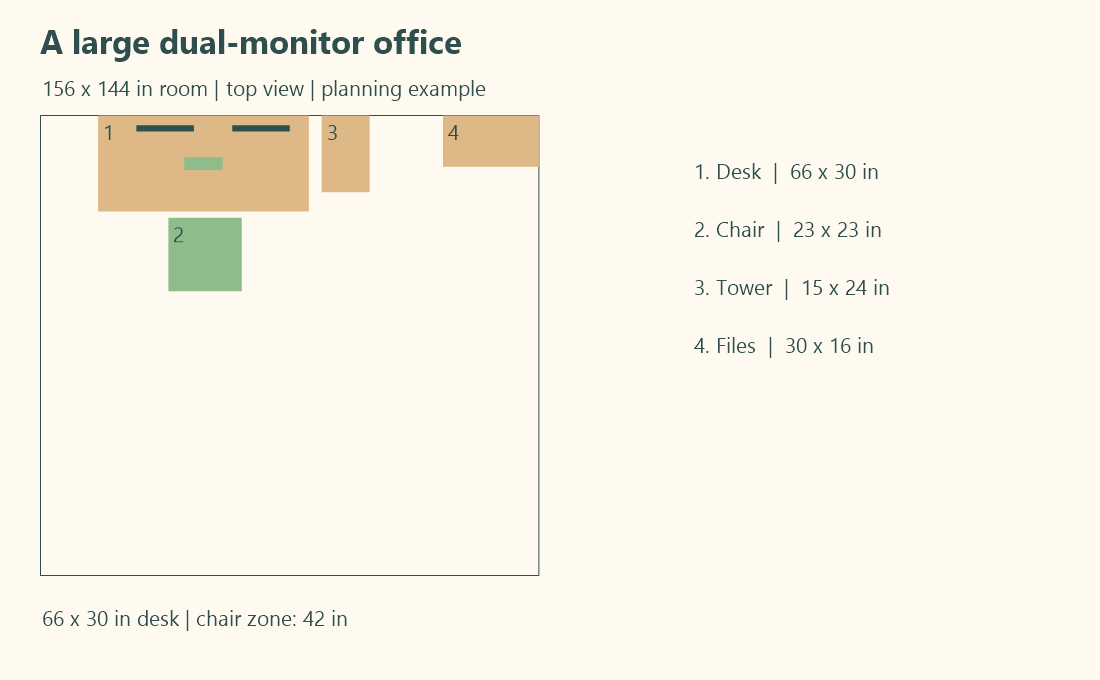
Start with the combined footprint of your monitors in the positions you use. If they sit on their original stands, trace both bases on masking tape or paper and check that the keyboard fits in front. The 66-by-30-inch example below reserves an 18-by-16-inch rectangle for writing. If your setup is tighter, compare ways to fit two monitors on a small desk before choosing a desk or work surface.
Measure the room and test the layout
For a planning example, mark a 66-by-30-inch desk in a 144-by-156-inch room. Reserve an 18-by-16-inch rectangle for paper and 42 inches behind the desk’s front edge for the chair. A desk and chair zone of 72 inches leaves 72 inches across the 144-inch room dimension before other furniture. Test the actual doorway and walking route with cabinet drawers open.
Arrange your screens on the desk before deciding where to put the tower. Center your main screen, or place the inner edges near the center if you use both equally. Angle each display and check for window reflections from your seat. Put the tower on a ventilated stand beside the desk with its ports accessible. Route cables along the rear edge to a reachable outlet. Leave enough slack to move either display without pulling on its connectors.
Download the room measurement worksheet (PDF)
Compare monitor stands and arms
| Option | When it fits | What to check |
|---|---|---|
| Two monitor stands | The screens fit with the notebook open and the keyboard in front. | Trace both bases and measure the depth they consume. Check that the desk supports the complete setup. |
| Two arms or a dual arm | The bases take up the writing area or you need to reposition screens often. | Verify monitor weights, mounting patterns, desktop construction, clamp range, and space behind the desk. |
Plan a $900 budget
These are example spending allowances in US dollars. Use actual listing prices, local tax, and delivery charges when you build your shopping list.
| Item | Planning allowance |
|---|---|
| Wide desk | $260 |
| Chair | $190 |
| Two monitors at $150 each | $300 |
| Task lamp | $35 |
| Tower stand | $30 |
| Cable tray and ties | $25 |
| Display cables and delivery allowance | $60 |
| Example total | $900 |
This example reuses a desktop computer, keyboard, and mouse. Reuse one compatible monitor and the $900 allowance drops to $750. If the desktop also needs replacing, add it as a separate budget line before comparing totals. Calculate your own workspace budget.
What to buy first and what can wait
Confirm that the computer can run two displays at your intended resolution and refresh rate. Fit the desk, chair, and screens first. Use the original stands for a week before buying an arm. Add a paper drawer only if it opens fully beside the chair.
Shop on Amazon US
Paid links. As an Amazon Associate I earn from qualifying purchases.
- Browse 27-inch QHD monitors on Amazon US (paid link)
- Browse dual monitor arms on Amazon US (paid link)
- Browse desktop workstations on Amazon US (paid link)
These links open Amazon.com search results. Check the product specifications, seller, delivery destination, and total price before ordering.
As an Amazon Associate I earn from qualifying purchases. These paid links open searches so you can compare sizes, included parts, and delivery costs.